
CPI-Helper – Use SAP Cloud Integration More Efficiently
The Ultimate Browser Plugin for CPI Users
SAP Cloud Integration is a powerful tool – but when working with integration flows on a daily basis, many developers quickly run into the limitations of its user interface.
This is where CPI-Helper comes in. The browser extension enhances SAP Cloud Integration with targeted, practical features – no additional servers, no backend changes required.
🔍 More transparency.
🚀 Greater efficiency.
🧩 Better debugging.
Overview of features:
Processed Messages Sidebar
InlineTrace Activation
Trace Display Enhancement
Trace Controls
Message Management
Error Message Pop-up
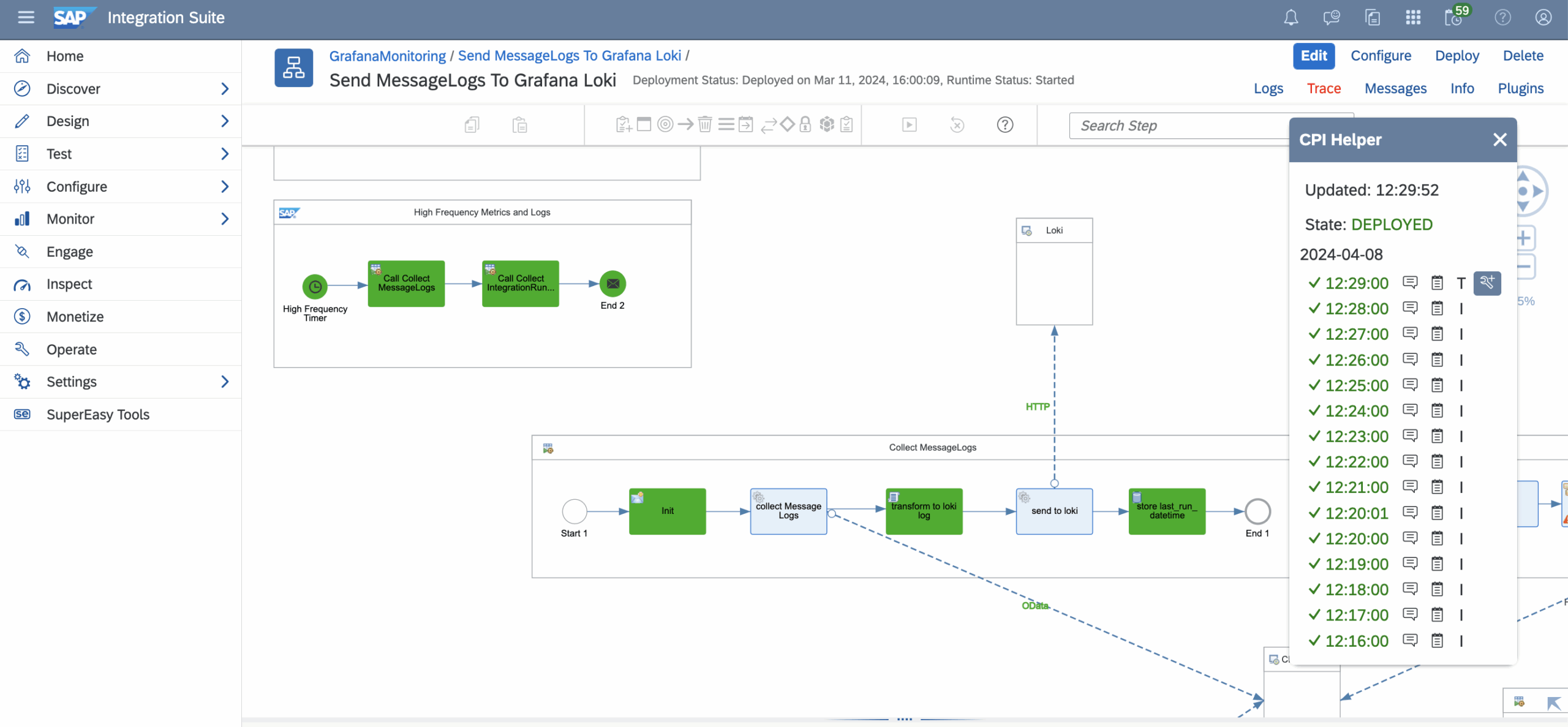
Conveniently view processed messages alongside your integration flow design.
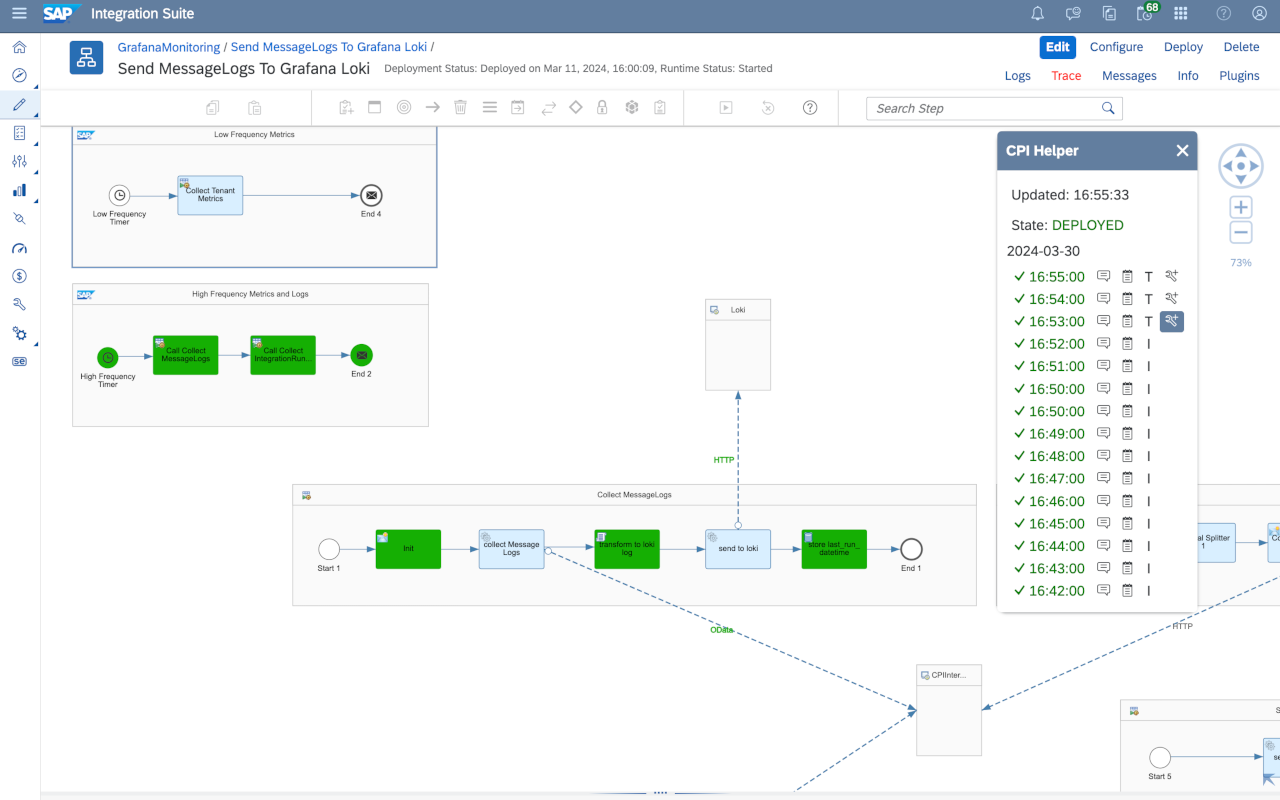
Enable InlineTrace to visualize the message route directly within the integration flow designer.
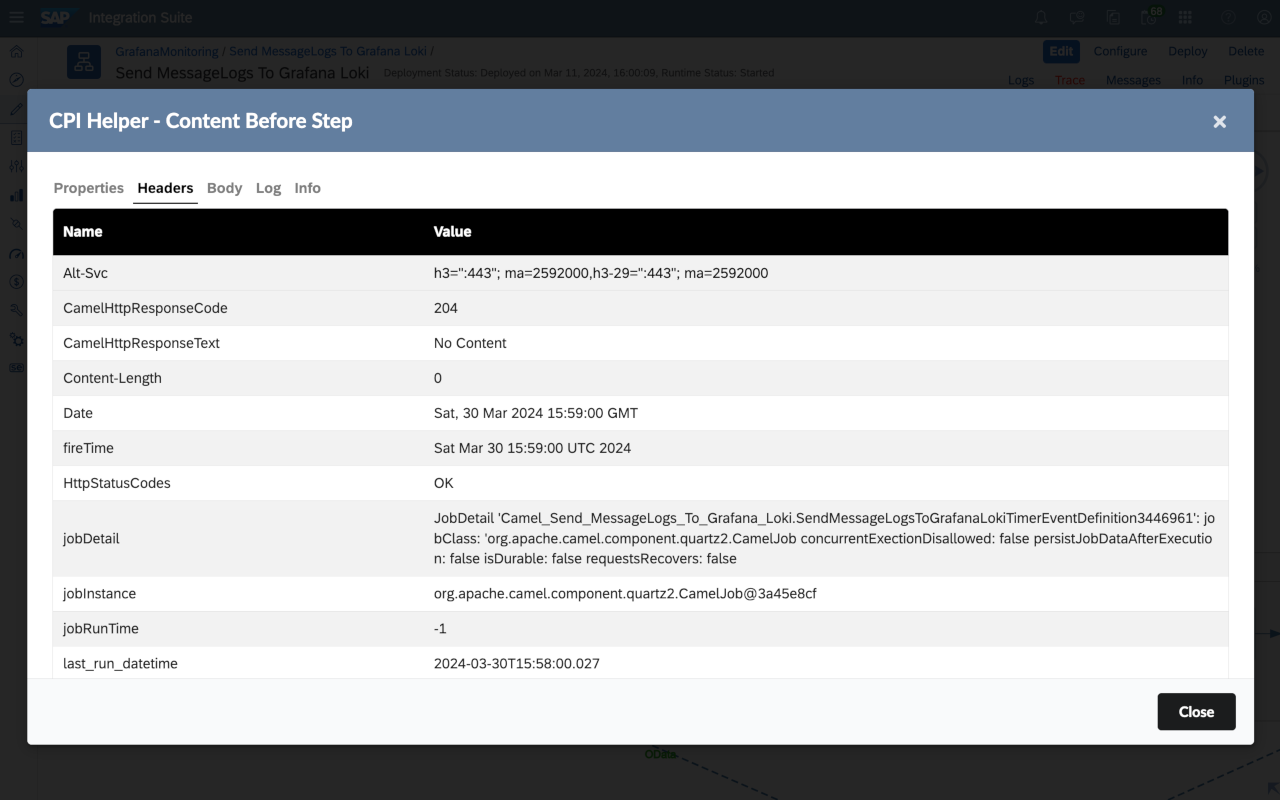
Instantly access and review trace messages within the integration flow designer interface.

Enhance readability with formatted trace messages directly in the integration flow designer.

Seamlessly toggle trace functionality on and off with a dedicated switch button.

Quickly navigate to specific message traces without leaving the integration flow designer.
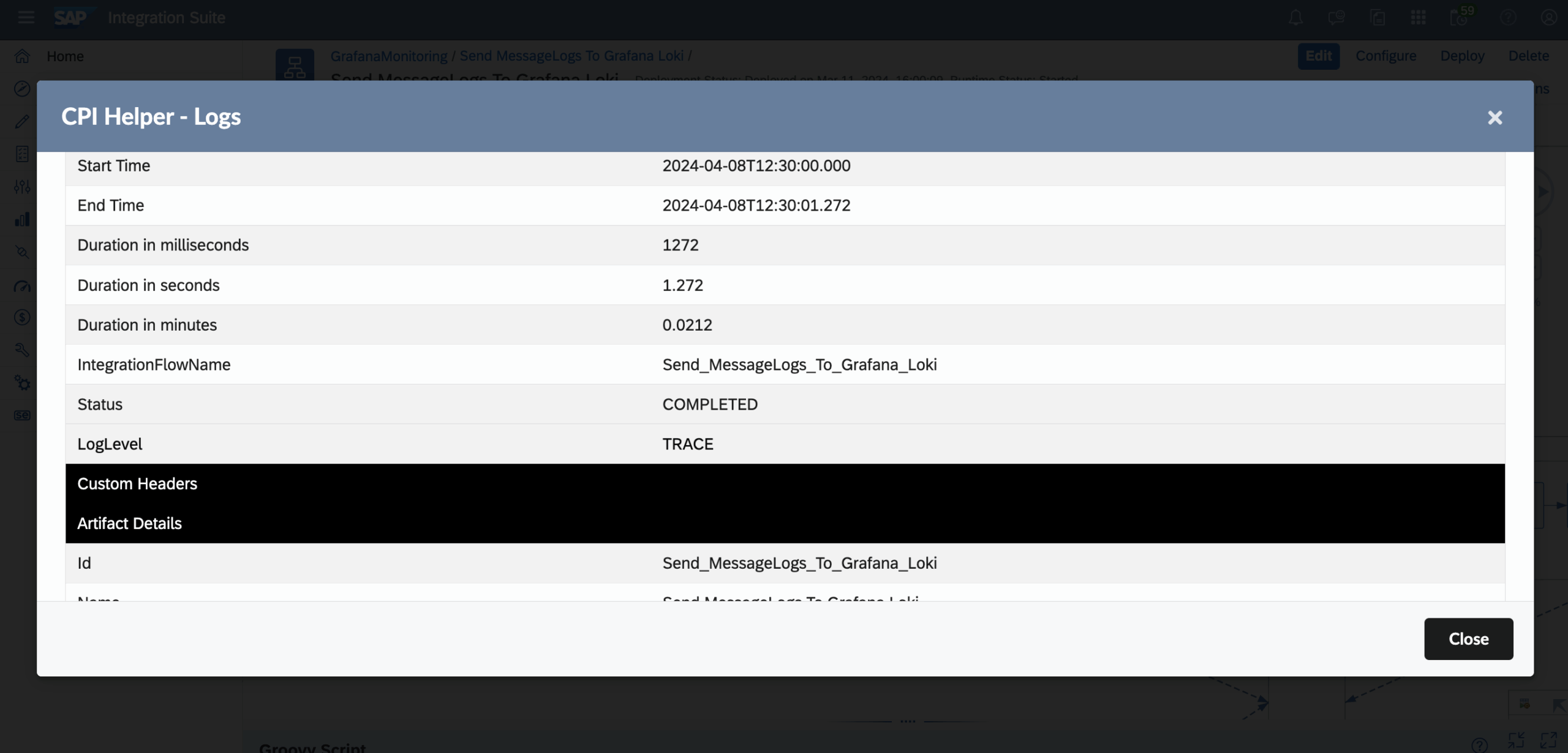
Get instant error message pop-ups when hovering over messages in the sidebar, aiding in quick issue identification.
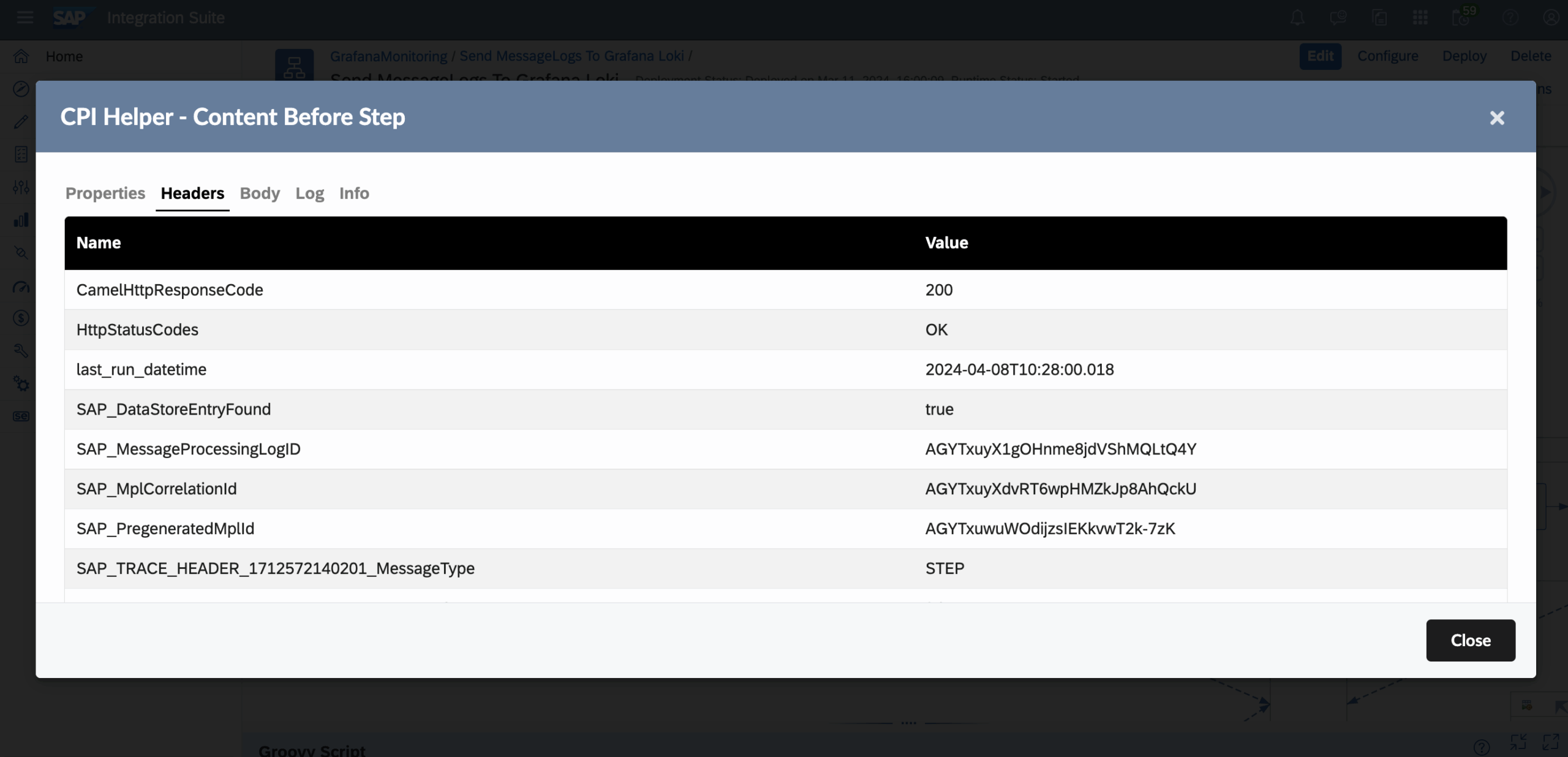
Stay informed with deployment information through convenient pop-ups.

Access relevant links directly from the browser bar popup for enhanced navigation and productivity.

Easy to Get Started

Local Installation
The extension runs entirely locally and uses the existing CPI authentication — secure and without any external data transmission.

Open Source
Open source. Community-driven. Battle-tested.
CPI-Helper is an open-source project under active development.
Feedback from the community is incorporated directly into new releases.

GitHub
More information on GitHub:
👉 CPI-Helper-Chrome-Extension (GitHub)
With CPI-Helper, SAP Cloud Integration becomes a real developer tool.
Your contact person